On this page
Quick answer
A JWT is three Base64URL parts joined by dots. To decode JWT token data, take the middle part and Base64URL-decode it. In Node.js: Buffer.from(token.split(".")[1], "base64url").toString(). Decoding only reads it; it does not prove the token is genuine.
Need to see what's inside a token while debugging a login or an API call? You can decode a JWT token yourself in a few seconds, without pasting it into a website. This guide shows three ways (Node.js, PowerShell and a browser tool), explains what each part means, and covers the mistake that causes real security bugs: treating "decoded" as "trusted". Everything below was run on Windows 11 with Node.js 26.
What is a JWT?
A JWT (JSON Web Token) is a compact token that carries a small JSON object, signed so the server can detect changes. It's defined in RFC 7519. A JWT looks like three blocks of text separated by dots:
eyJhbGciOiJIUzI1NiIsInR5cCI6IkpXVCJ9.eyJzdWIiOiIxMjM0NTY3ODkwIiwibmFtZSI6IkFzaGEiLCJyb2xlIjoidXNlciIsImlhdCI6MTc5MzgzNjgwMCwiZXhwIjoxNzkzODQwNDAwfQ.thUiuamQV6_bZ1e_lblCaEQpLgUHA4spLlPF2CXb21IThat's a demo token made for this article with a throw-away secret. Use it to follow along.

- Header: which algorithm signed it, e.g.
HS256. - Payload: the claims, such as user ID, role and expiry time.
- Signature: proof the first two parts weren't changed. Only someone with the key can check it.
The header and payload are just Base64URL-encoded JSON. Base64URL is Base64 with - and _ instead of + and /, and no = padding. That's why anyone can read them.
Why not paste it into an online JWT decoder?
A JWT is often a live login credential. Anyone who has a valid token can usually act as that user until it expires. Pasting a production token into a random website sends that credential to someone else's server. Decode it locally instead. It's just as fast.
Way 1: Decode JWT with Node.js
Node.js has Base64URL support built in. This one-liner prints the header and payload:
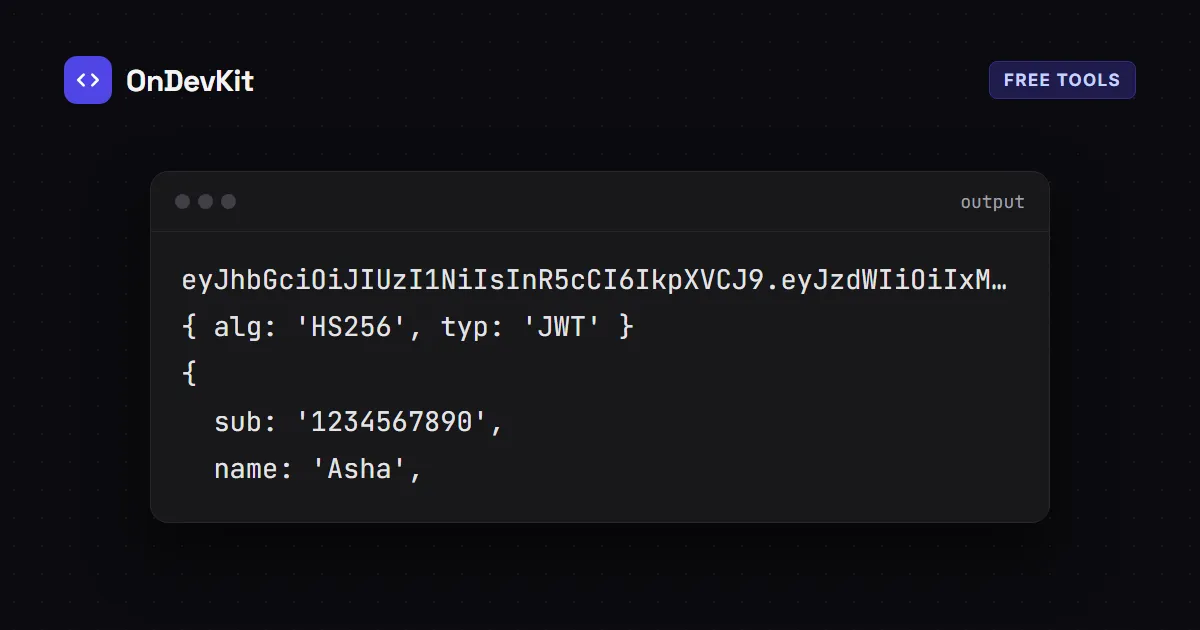
node -e "const [h,p]=process.argv[1].split('.');console.log(JSON.parse(Buffer.from(h,'base64url')));console.log(JSON.parse(Buffer.from(p,'base64url')))" "PASTE_TOKEN_HERE"Output for the demo token:
{ alg: 'HS256', typ: 'JWT' }
{
  sub: '1234567890',
  name: 'Asha',
  role: 'user',
  iat: 1793836800,
  exp: 1793840400
}
Way 2: Decode JWT in PowerShell
PowerShell's Base64 decoder needs standard Base64, so swap the characters back and add the padding first:
$token = "PASTE_TOKEN_HERE"
$p = $token.Split('.')[1].Replace('-', '+').Replace('_', '/')
switch ($p.Length % 4) { 2 { $p += '==' } 3 { $p += '=' } }
[Text.Encoding]::UTF8.GetString([Convert]::FromBase64String($p))
It prints the payload JSON:
{"sub":"1234567890","name":"Asha","role":"user","iat":1793836800,"exp":1793840400}Way 3: Use a tool that runs in your browser
Copy the middle part of the token (between the two dots) into our Base64 decoder and click Decode. It understands Base64URL, and the decoding happens in your browser, so the token isn't uploaded. Then paste the result into the JSON Formatter to read it more easily.
How to read the JWT payload
These registered claims come from RFC 7519:
| Claim | Meaning | Demo value |
|---|---|---|
sub |
Subject: who the token is about (usually a user ID) | 1234567890 |
iat |
Issued at (seconds since 1 Jan 1970, UTC) | 1793836800 |
exp |
Expires at (same format) | 1793840400 |
iss, aud |
Who issued it, and who it's for | not set |
The times are in seconds, while JavaScript dates use milliseconds. Multiply by 1000 to convert:
new Date(1793840400 * 1000).toISOString(); // '2026-11-05T01:00:00.000Z'
Decoding is not verifying
Decoding reads the token. Verifying checks the signature with the secret key, which proves nobody changed it. Your server must always verify; it must never trust a payload just because it decoded.
Here's the proof. This script checks an HS256 signature with Node's built-in crypto:
// verify.js — usage: node verify.js <token> <secret>
const crypto = require('node:crypto');
const [h, p, s] = process.argv[2].split('.');
const expected = crypto.createHmac('sha256', process.argv[3]).update(`${h}.${p}`).digest();
const actual = Buffer.from(s, 'base64url');
console.log(expected.length === actual.length && crypto.timingSafeEqual(expected, actual)
  ? 'valid signature'
  : 'INVALID signature');
Results with the demo token:
node verify.js <token> demo-secret-do-not-use   →  valid signature
node verify.js <token> wrong-secret             →  INVALID signature
role changed from "user" to "admin"             →  INVALID signature
Anyone can decode a token and edit the role to admin, but they can't produce a valid signature without the key. That's what protects you, as long as the server verifies. In real apps, use a well-maintained JWT library for your language and configure it to accept only the algorithm you expect.
Can a JWT payload be secret?
No. A normal signed JWT is encoded, not encrypted. Don't put passwords, API keys or private personal data in the payload. If you need hidden contents, that's a different format (JWE, encrypted JWT). Read more about the difference in what Base64 really is on our tools page.
Next steps
- Debugging a login API that won't start? See how to fix EADDRINUSE.
- Preparing for interviews that ask about async Node.js? Practise with these Node.js event loop interview questions.