On this page
Quick answer
Create a plain Markdown file called AGENTS.md in your repository root. List your exact build and test commands first, then project structure, code style, git rules and clear boundaries ("never commit secrets"). Keep it short; agents follow a lean file better.
An AGENTS.md file is a README written for AI coding agents. It tells tools like Codex, Cursor, GitHub Copilot's coding agent and Claude Code how to build, test and change your project, so they stop guessing. This guide covers what to put in it, a complete example you can copy, and the details that decide whether an agent actually reads it.
What is an AGENTS.md file?
An AGENTS.md file is a plain Markdown file in your repository that gives AI coding agents project instructions. The AGENTS.md project describes it as "a README for agents". There are no required fields or special syntax; the agent reads whatever text you write.
It's an open format supported by many tools, including OpenAI Codex, Google Jules and Gemini CLI, Cursor, GitHub Copilot's coding agent, Aider, Zed, Warp, Windsurf, JetBrains Junie and VS Code. Claude Code can read it too (see below).
Why not just use your README? Your README is for people: what the project is, screenshots, how to contribute. An agent needs different things: the exact commands to run, which folders not to touch, and rules it must never break.
The 6 sections an AGENTS.md file needs
GitHub analysed more than 2,500 AGENTS.md files and found the useful ones cover six areas: commands, testing, project structure, code style, git workflow and boundaries (GitHub blog).

- Commands: install, dev server, build, lint, test. Put these first; the agent uses them constantly.
- Testing: how to run one test, what must pass before a change is done.
- Project structure: where the code lives, and which folders are generated or off-limits.
- Code style: show one short real example instead of describing your style in paragraphs.
- Git workflow: branch names, commit message format, what a pull request needs.
- Boundaries: what the agent should always do, ask about first, and never do.
A complete AGENTS.md example
Here's a real-world style file for a small Astro + TypeScript site. Copy it and replace the details with yours:
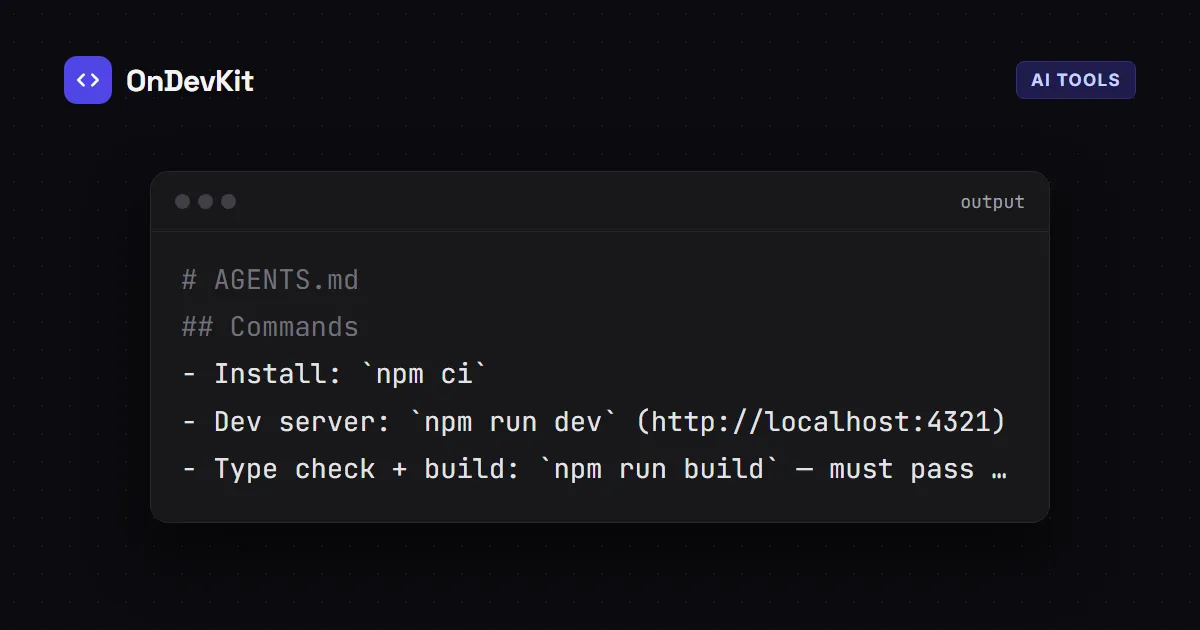
# AGENTS.md

## Commands
- Install: `npm ci`
- Dev server: `npm run dev` (http://localhost:4321)
- Type check + build: `npm run build` — must pass before you finish
- One test file: `npx vitest run src/lib/posts.test.ts`

## Project structure
- `src/pages/` routes, `src/components/` UI, `src/lib/` helpers
- `src/content/blog/` posts (MDX); frontmatter is validated in `src/content.config.ts`
- `dist/` and `.astro/` are generated — never edit them

## Code style
- TypeScript strict mode, no `any`
- Tailwind classes for styling; no inline `style=""` (the CSP blocks it)
- Example:
  ```ts
  export const formatDate = (d: Date) => dateFmt.format(d);
  ```

## Git
- Branch: `feature/<short-name>`; commits: imperative mood, under 72 characters
- Run `npm run build` before every commit

## Boundaries
- Always: add or update tests for the code you change
- Ask first: adding a dependency, changing the database schema
- Never: commit secrets or `.env` files, disable the CSP, force-push to `main`
The boundaries section matters most. In GitHub's analysis, "never commit secrets" was the single most common helpful rule.
How to write instructions agents actually follow
- Be specific. "Run
npm run build" beats "make sure the build works". - Name your stack with versions. "Astro 7, Tailwind 4, Node 22+", not "a modern web stack".
- Show, don't describe. One real code snippet teaches your style faster than five rules about it.
- Keep it short. Long files bury the important rules. Claude Code's docs, for example, recommend keeping its instruction files under about 200 lines (Claude Code memory docs).
- Add rules when the agent makes a mistake. Start small, watch what goes wrong, and write one line that prevents it.
Where does the AGENTS.md file go in a monorepo?
Put one AGENTS.md in the repository root. In a monorepo, you can add more inside each package. According to the AGENTS.md FAQ, agents read the nearest file in the directory tree, so the closest AGENTS.md to the file being edited wins. Explicit instructions you type in the chat override the file.

Does Claude Code read AGENTS.md?
Yes. Recent versions of Claude Code read AGENTS.md as project instructions when there's no CLAUDE.md in the working directory or above it. If you have both, Claude Code reads only CLAUDE.md by default (Claude Code memory docs).
To keep one file for every tool, put this single line in CLAUDE.md:
@AGENTS.mdClaude Code expands @path imports and loads the imported file along with CLAUDE.md. Now Claude Code, Codex and Cursor all follow the same instructions.
Common AGENTS.md mistakes
- Copying the README. The agent doesn't need your project's history or badges.
- Vague rules. "Write clean code" gives the agent nothing to act on.
- Out-of-date commands. If
npm testwas renamed, the agent will run the old one and get confused. Update the file when your scripts change. - One giant file for a monorepo. Split it per package so each agent gets only what applies.
Next steps
Keep your AI workflow safe: these tools are powerful, but you still review what they produce. If an agent hands you a broken install, see how to fix EADDRINUSE for one of the most common Node.js errors, and use the JSON Formatter to check config files it edits.